
A lighting console outlives most of the fixtures it controls — venues routinely run the same desk for a decade while the rig around it turns over twice. That makes it the one purchase where "buy for where you're heading, not where you are" genuinely applies. Here is how we walk schools, venues and techs through the decision.
Start with two questions, not a spec sheet
First: who operates it? A desk driven by a different parent or duty manager every week needs to be un-breakable and obvious. A desk run by a resident tech or keen student crew can afford depth. Second: how many universes will the rig need in three years? Count your dimmers and LED fixtures, assume the rig grows, and remember pixel-hungry fixtures eat channels fast.
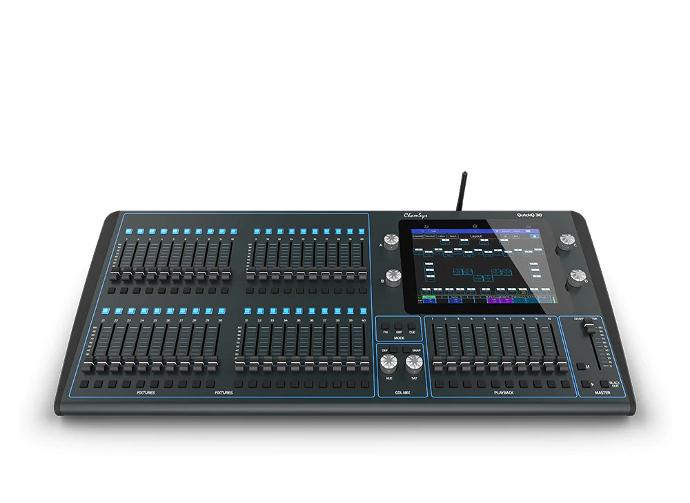
The easy answer: ChamSys QuickQ
For most halls, schools and small venues the answer is a ChamSys QuickQ10, QuickQ20 or QuickQ30. The QuickQ range was designed around a phone-style touchscreen: pick a fixture, pick a colour, record a cue. A visiting operator can be productive in ten minutes, yet there are enough faders and playbacks underneath for a proper theatre season. The 10 runs one universe, the 20 adds a second plus 10Scene wall-panel integration, and the 30 gives you four universes and dual displays — our usual pick for schools that run both assemblies and full productions.
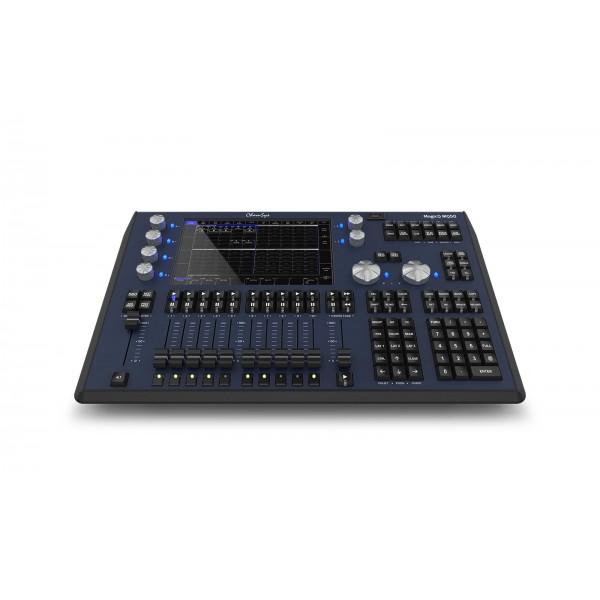
Growing rigs: MagicQ
When moving heads multiply and you want timecode, pixel mapping and serious programming tools, step up to the MagicQ range — the MagicQ MQ50 compact console runs 24 universes in a desk you can carry under one arm, and the MQ70 adds more playbacks and processing headroom. The full MagicQ software is the same from here up to the MQ500M touring flagship, so nothing you learn is ever wasted. Better still, MagicQ software is free on PC and Mac: a laptop plus a Compact Connect or Mini Connect interface is a legitimate console for pre-programming, busking small gigs, or teaching a whole classroom the software before anyone touches the desk.
Theatre track: ETC Eos
If your operators are coming from — or heading to — professional theatre, the Eos ecosystem is the industry's theatrical standard, and the ETC Nomad Educator package is the affordable way into it: genuine Eos software for teaching cue-stack-driven, keypad-first programming the way theatres actually work.
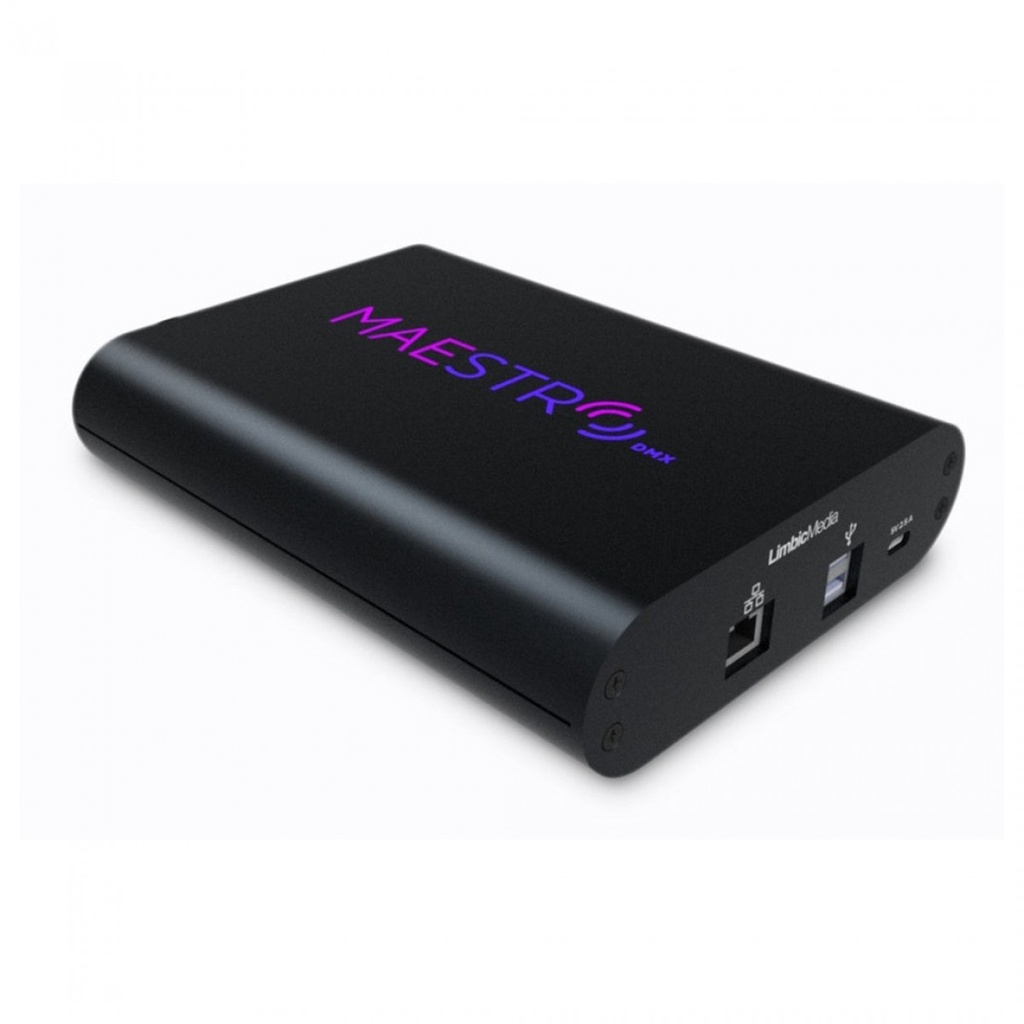
No operator at all?
Bars and small venues that just want the rig to look good every night without anyone driving it should look at MaestroDMX — it listens to the music and runs the lights itself. It is not a replacement for an operator on show night, but for the other 300 nights of the year it is remarkably convincing.
Our shortcut
Tell us the venue, who will drive it, and roughly what hangs in the rig — we will tell you straight whether you are a QuickQ room or a MagicQ room, and which universe count actually matters. Consoles are also exactly the purchase to try before you buy: ask us about a demo.
Browse the range Ask us about this gear
Product imagery courtesy of our partners at MDR Lighting, New Zealand distributor for Chauvet and ChamSys.